

No account required
Start using the Chrome extension without signing in or creating an account.
Protect the pause
YouTube can be genuinely useful. The problem is how quickly recommendations, Shorts, and autoplay can carry you past the reason you opened it. Sanctum adds an optional checkpoint at those moments, so you can decide what happens next instead of being blocked.
No account · No external behavioral analytics · Personal data stays on your device
A quick check-in
No warnings, locks, or scores. Sanctum simply brings back what you meant to do and gives you three clear options.
There’s no wrong choice here.
Keep watching, go back, or pause. Sanctum does not treat one of those as the “right” answer.
No shame, scoring, or scolding. The pause creates room to choose; it does not take control.
Sanctum handles only what it needs to support your choice, not to build a profile of you.
Privacy & control
Core intention and session records stay on your device by default. They leave only when you choose to send something, such as feedback or an export.
Start using the Chrome extension without signing in or creating an account.
Personal details such as intentions and reflections stay on the device you use.
No advertising trackers or third-party behavioral analytics are built into Sanctum.
Skip a check-in, change how often it appears, or turn it off entirely.
Clear boundaries
Available means available. Planned means planned. Sanctum does not dress unfinished features up as working controls.
Start a Cherry Break whenever you want, without locking your device.
Start with a purpose and, if useful, a time limit. Finish with a choice and a short reflection.
Set aside calmer hours in your day. It will ship only when scheduling is reliable enough.
Set your own daily boundary. Until it works as a real limit, Sanctum will not present it as one.
Intent → Drift → Choice → Reflection
Sanctum works in four simple steps: name what you came to do, notice when you’ve drifted, choose what happens next, and take a brief look back.
Write down, in a few words, why you opened YouTube.
Check whether recommendations, Shorts, or autoplay have pulled you away from that reason.
Keep watching, return to what you came for, or pause for a moment.
Notice the choice you made without scoring or judging yourself.
Chrome extension
Tune home recommendations, related recommendations, autoplay, and repeated Shorts swipes separately. Search, subscriptions, direct links, and videos you choose still work as usual.
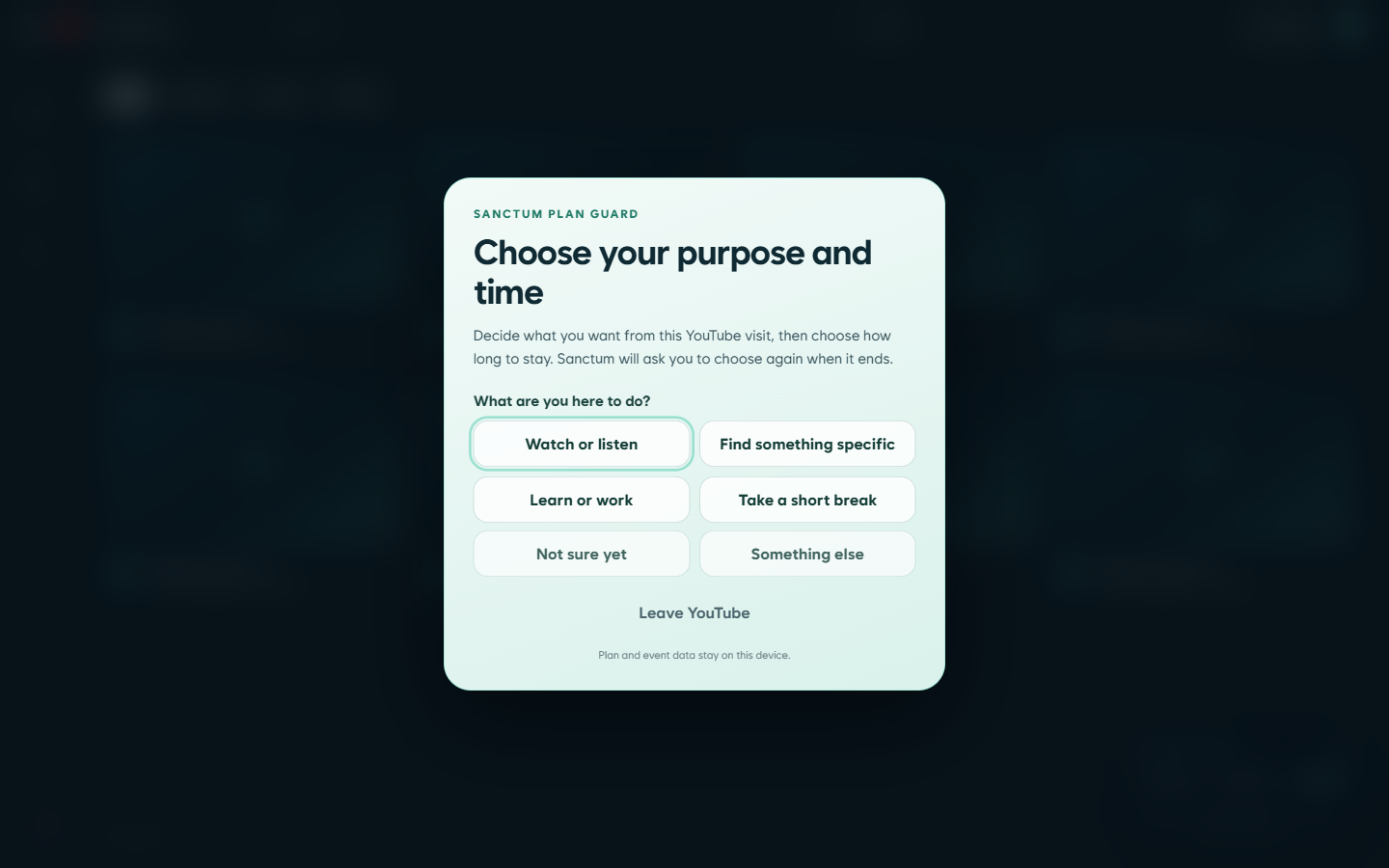
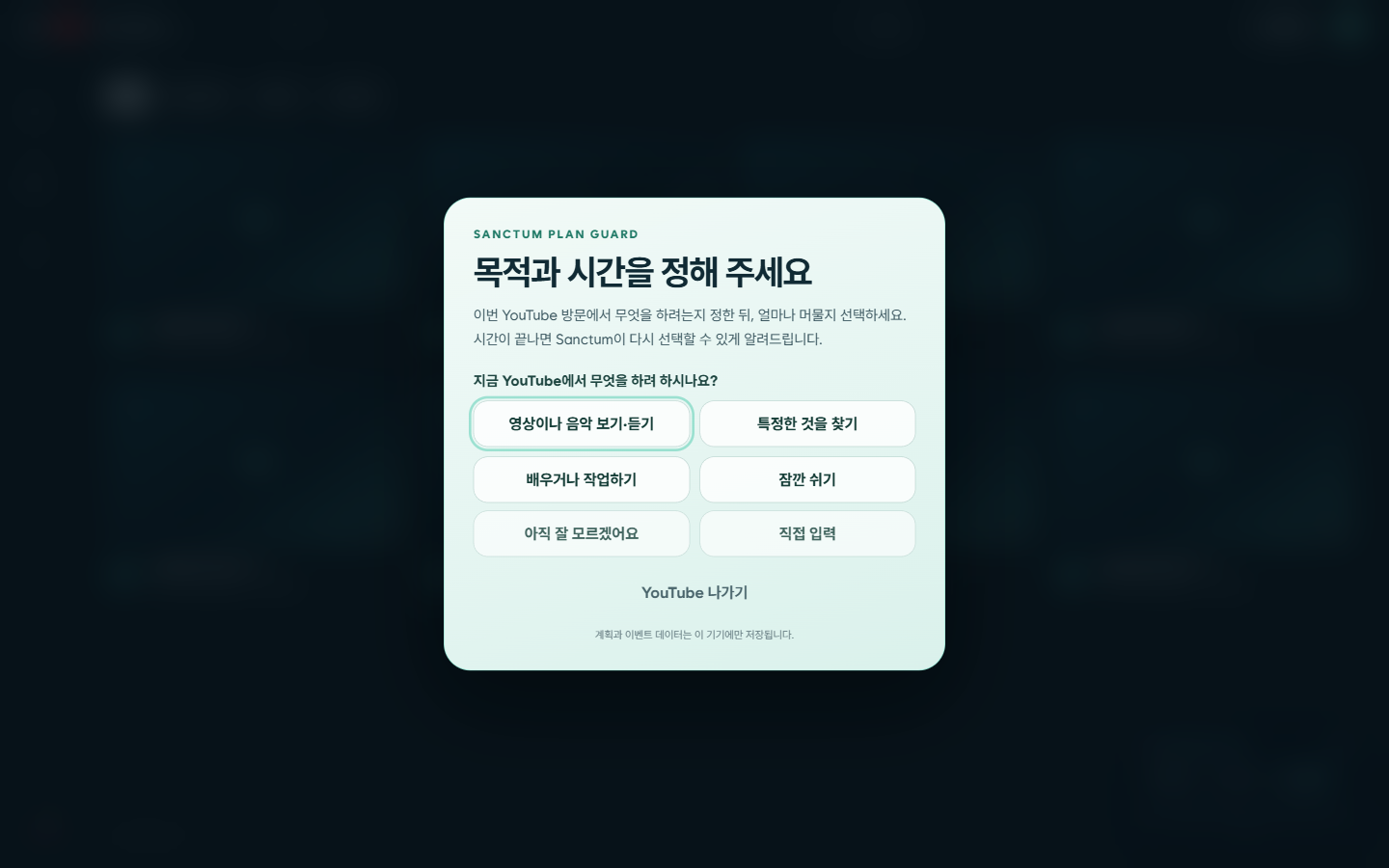
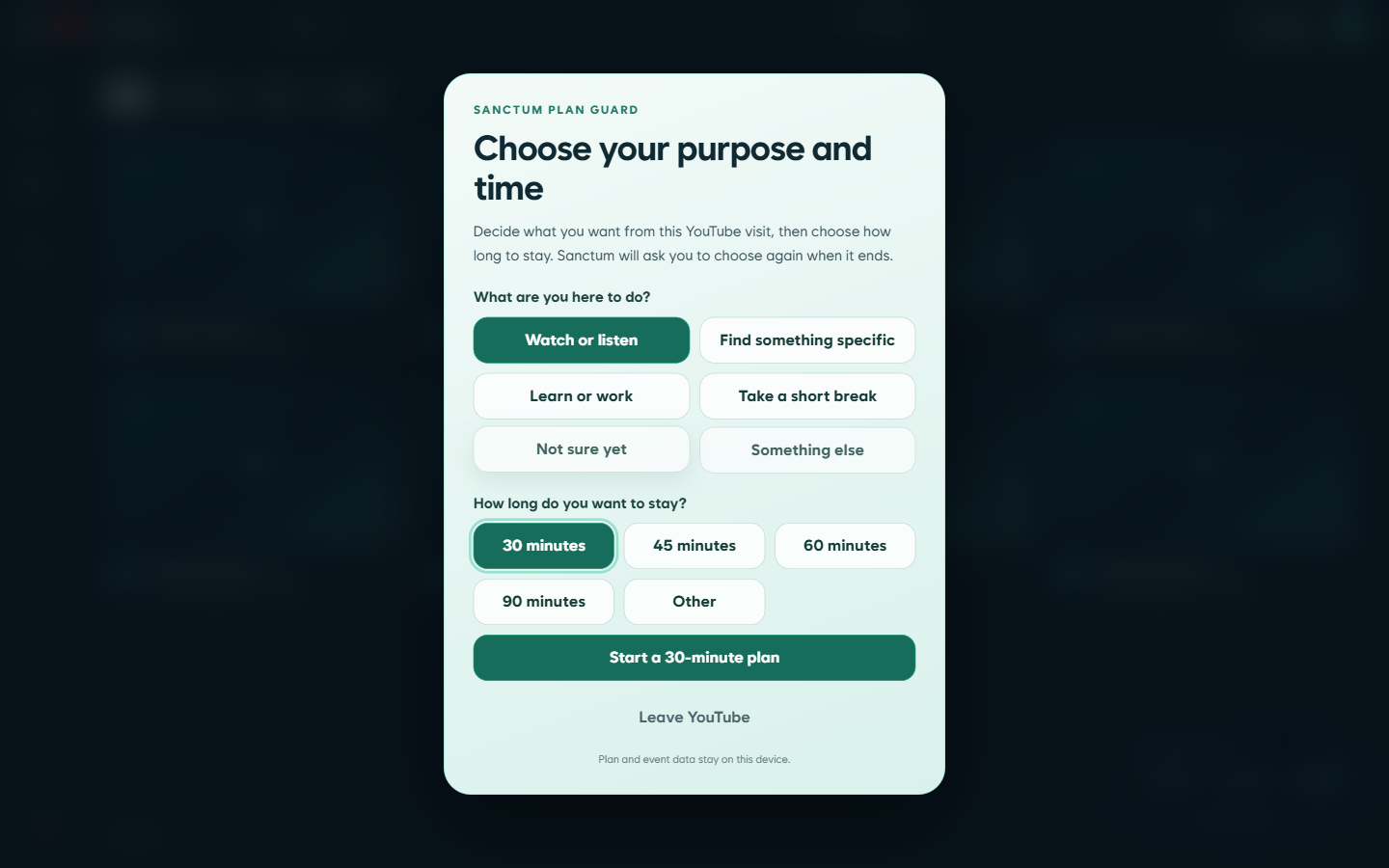
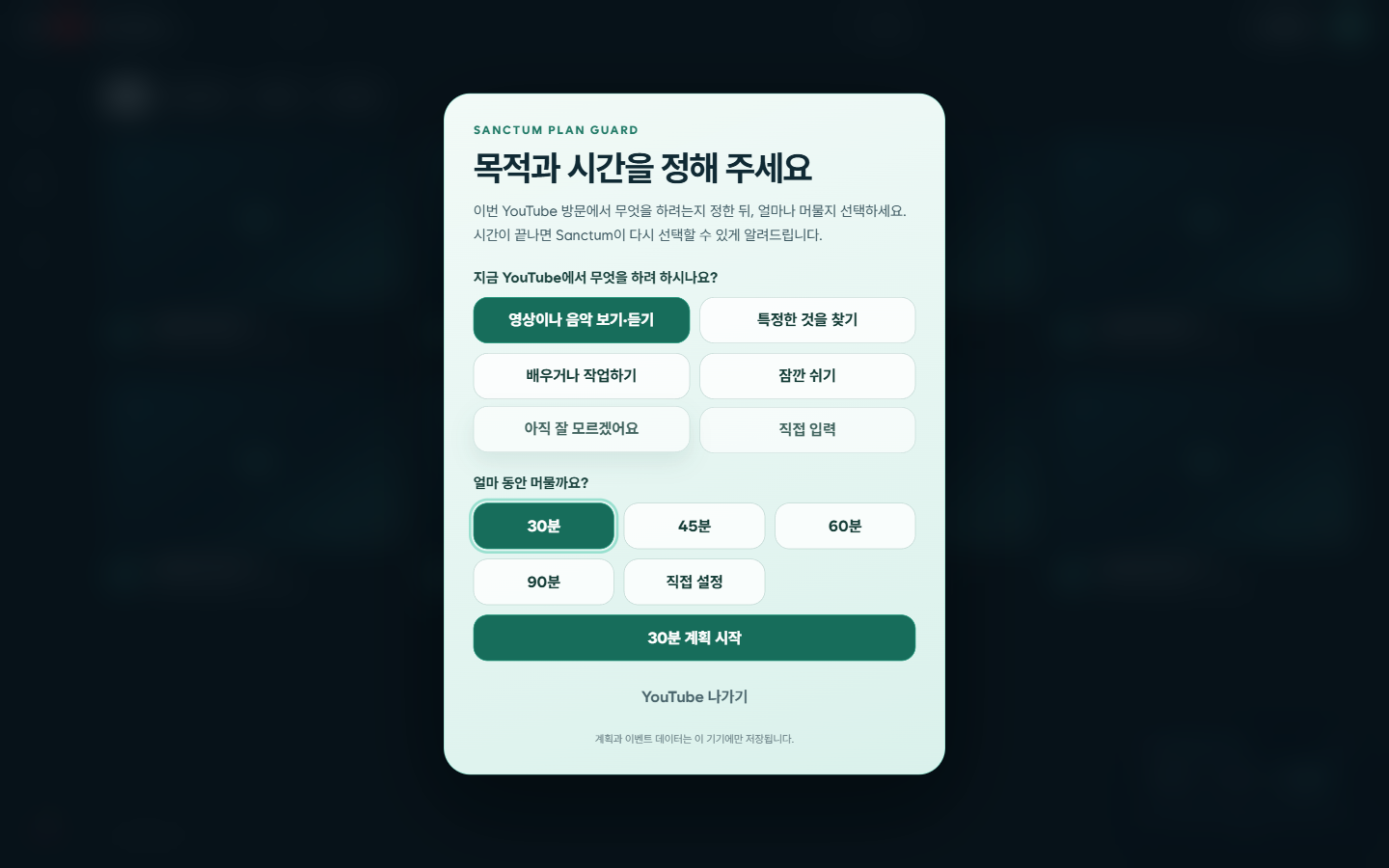
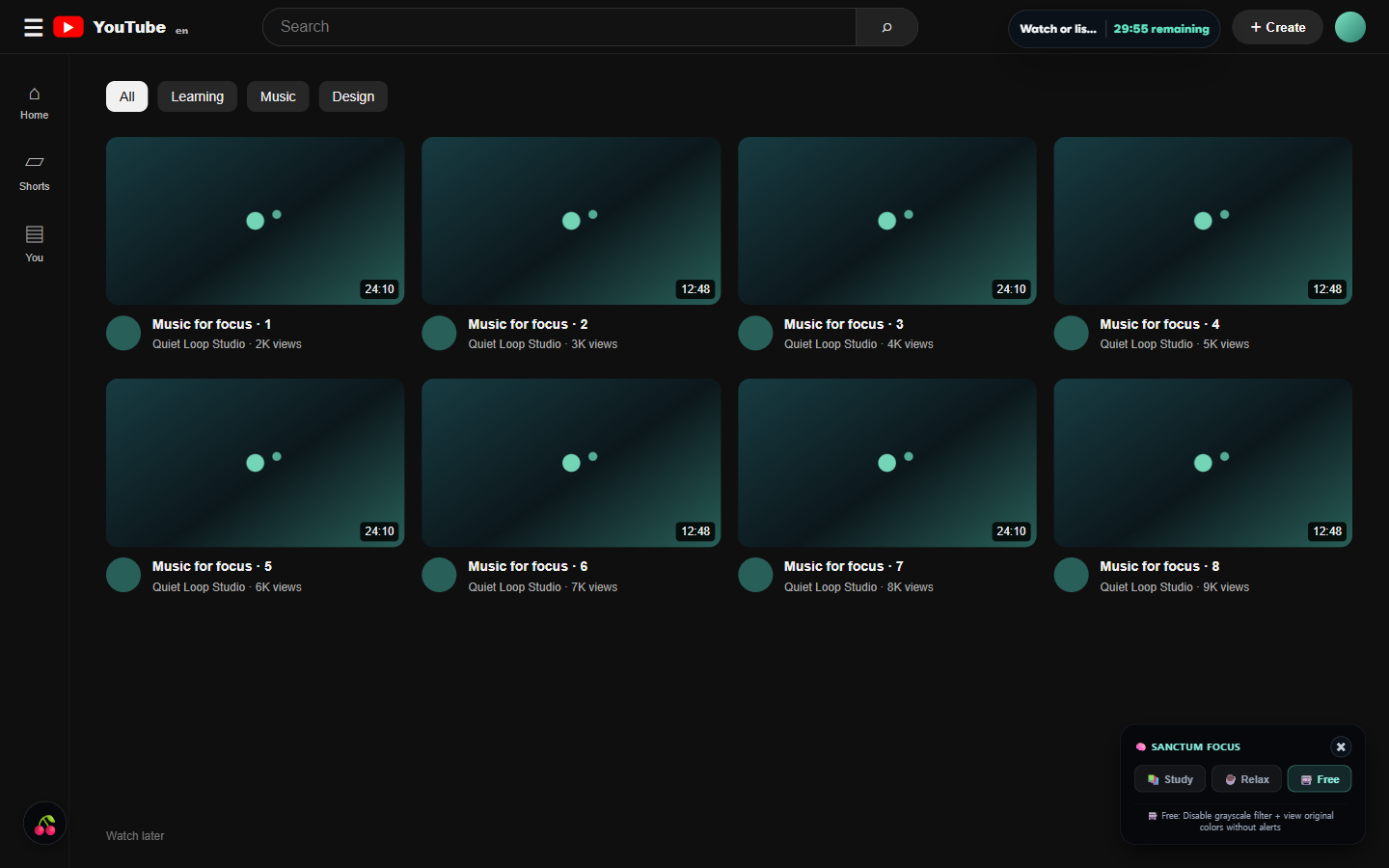
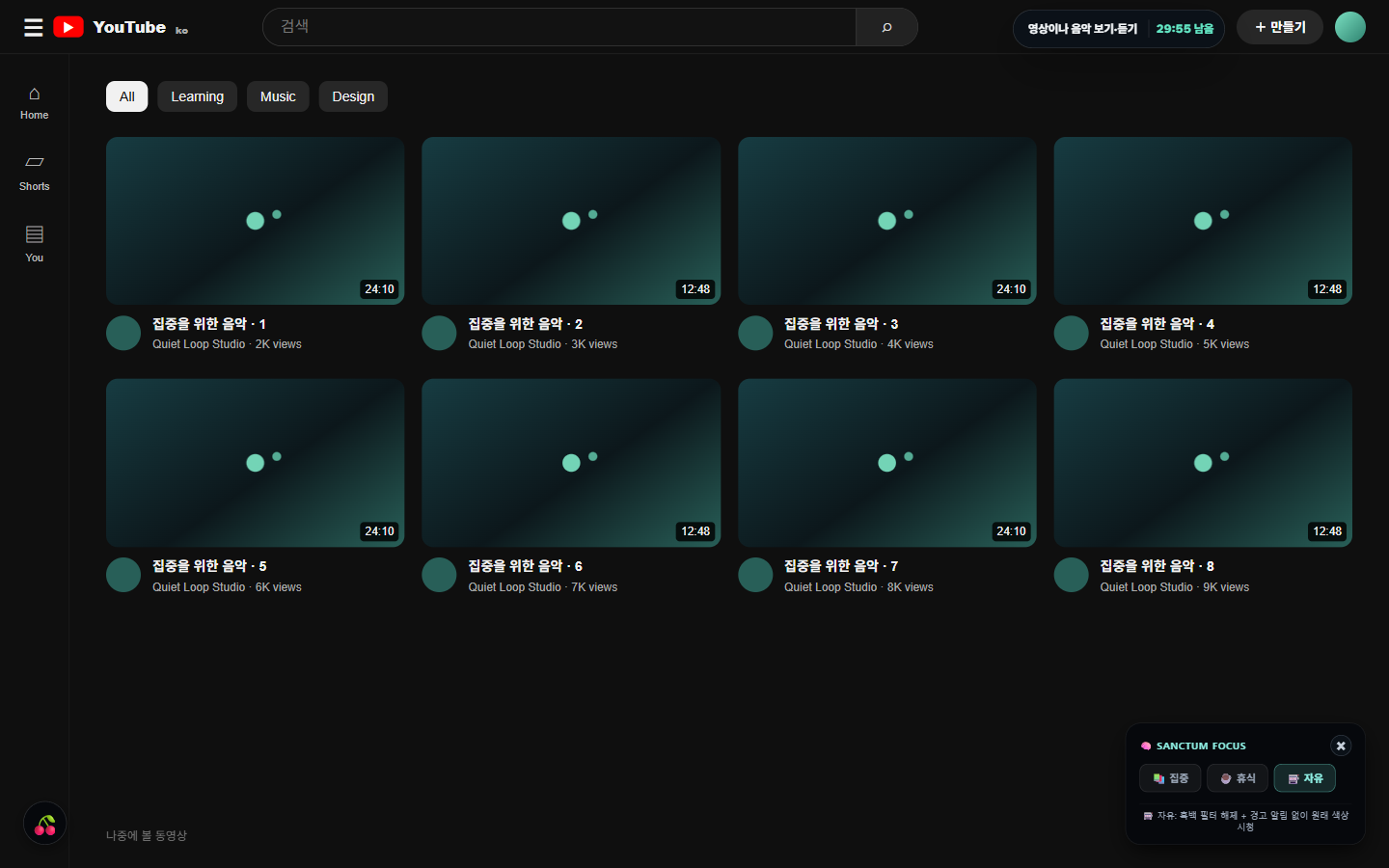
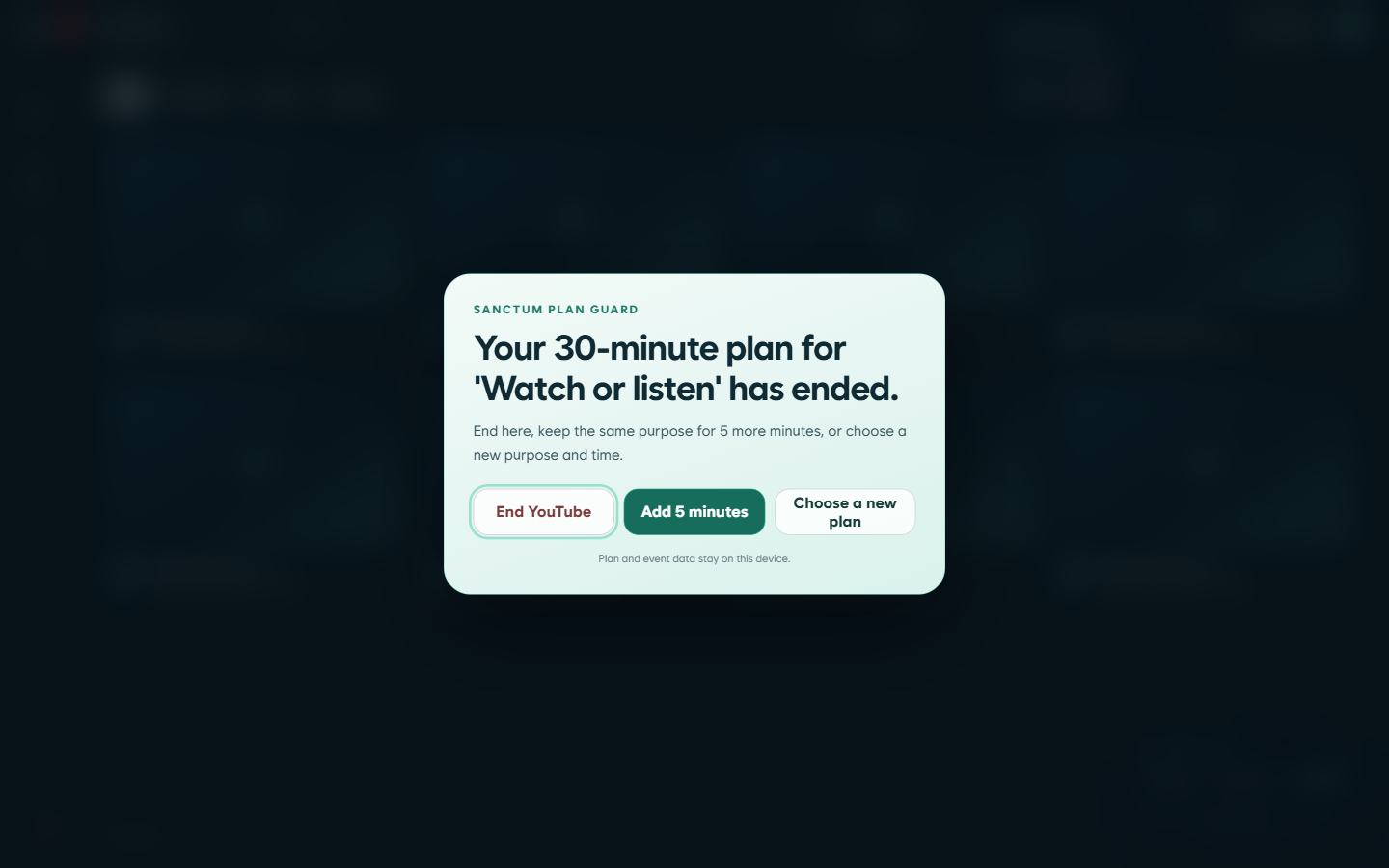
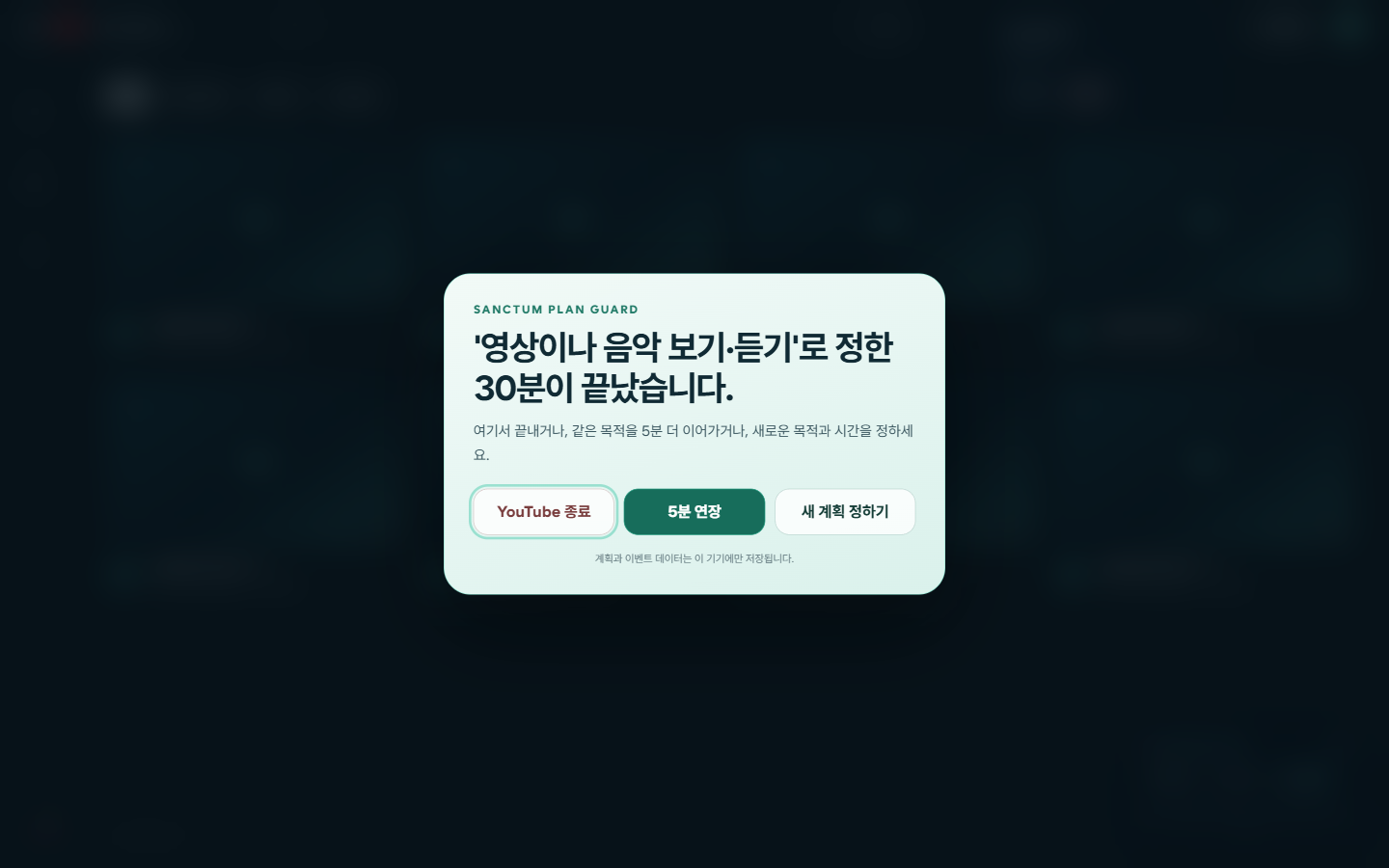
There’s no wrong choice here.
One set of principles across browser, desktop, and mobile
Chrome, Desktop, and Mobile all center on intention, choice, and reflection, but they are not identical products and do not automatically sync today. Each keeps data locally, with backup and transfer left in your hands.
Adds optional check-ins around home recommendations, related videos, autoplay, and Shorts.
Local intention sessions, reflection, and user-controlled backup are being built. Its feature set differs from Chrome.
Local sessions, check-in reminders, and user-controlled backup are being built. It does not intervene inside YouTube.
What Sanctum is built to protect
“I can keep watching, go back to what I came for, or pause for a moment.”Sanctum · Protect the pause.
Use YouTube less by rules, and more on your own terms.
SanctumWebsite · Local preview
검은 화면이 아니라,
실행 준비가 필요합니다.
이 파일은 웹사이트의 개발 원본이라 직접 열 수 없습니다.
이 폴더의 SanctumWebsite 실행.cmd를 더블클릭해 주세요.